Introduction
A few years ago, starting a YouTube channel meant expensive cameras, studio lights, and hours of manual editing. Today, things are very different—you can start a YouTube channel using AI tools and create professional-quality videos right from your home, even if you’ve never edited before.
If you’ve been putting off your YouTube dream because you thought it would be too complicated or costly, let me tell you—the game has changed. In this guide, I’ll walk you through each step, sharing tips I’ve personally used so you can launch faster, work smarter, and keep your content consistent.
1. Decide Your Niche and Audience
Before you hit record, figure out what you want to talk about and who you want to reach. Trust me, “everyone” is not an audience.
When I started experimenting, I used Google Trends to see what people were actually searching for in my niche. For example, “AI video editing” had a massive spike last year. I paired that with tools like AnswerThePublic to find the exact questions people had.
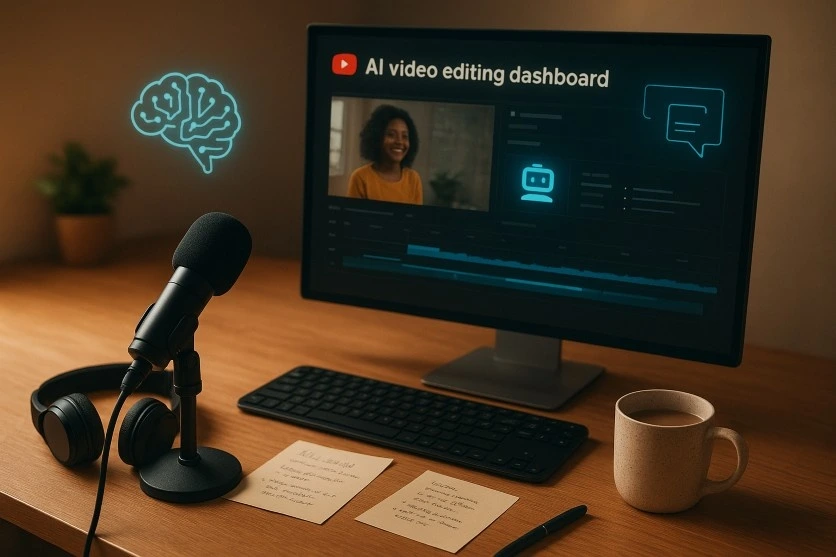
AI tools like ChatGPT can also help brainstorm video ideas. Just remember: use AI for inspiration, but shape those ideas with your own voice.
2. How to Set Up Your YouTube Channel Using AI Tools
This is the fun part—your digital home on YouTube.
- Sign in with your Google account.
- Create your channel.
- Customize the banner, profile photo, and description so they match your niche.
If you’re not a designer, don’t panic. I’ve created professional-looking banners in Canva in under 10 minutes. Play with their templates, swap in your colors and text, and you’re good to go.
3. Script Your Videos with AI Support
Here’s where most beginners get stuck:“What do I say?”
AI scriptwriters like Jasper or Copy.ai can give you a starting point. But the trick is to add your personal experiences so it doesn’t sound flat. For example, if I’m making a tutorial on Pictory, I’ll mention how it helped me repurpose my old blog posts into short-form videos without touching an editing timeline.
Structure your script with:
- A hook to grab attention in the first 10 seconds.
- The main content has step-by-step instructions.
- A call to action telling viewers what to do next.
4. Create Videos Without Fancy Gear
Thanks to AI, you can create YouTube videos without owning a DSLR. Tools like
- Pictory—Turns blog posts into videos.
- Synthesia – Creates talking avatar videos.
- InVideo—Offers pre-designed video templates.
When I first tried Synthesia, I produced a short “how-to” video in under 20 minutes—no camera, no mic, no lights.
5. Edit Smarter, Not Harder
Editing is where most people quit, but AI makes it painless. I personally like Descript because you can edit video the way you’d edit a Word document—just delete the words you don’t want, and the video trims automatically.
Other great picks:
- Runway for removing backgrounds or adding effects.
- Filmora AI for automatic color correction and transitions.
The time saved here is unreal—you can spend more time creating instead of dragging clips around in a timeline for hours.
6. Thumbnails and Titles That Click
Your thumbnail is your billboard. If it’s dull, people scroll past.
I once spent hours on a thumbnail in Photoshop, only to find Canva AI could do something better in 15 minutes. For titles, I run a few options through ChatGPT or CoSchedule’s Headline Analyzer to find something catchy and SEO-friendly.
When you start a YouTube channel using AI tools, thumbnails are one of the quickest tasks to automate without losing quality.
7. Start a YouTube Channel Using AI Tools with YouTube SEO
You can make the best video in the world, but without YouTube SEO, it’ll vanish into the algorithm black hole.
I use TubeBuddy to find keywords my audience is already searching for. For example, “Start a YouTube Channel Using AI Tools” gets enough searches to be worth targeting—and that’s why it’s in my title, description, and tags.
Don’t forget to:
- Add timestamps in your description.
- Include your keyword in the first 100 words.
- Use tags wisely (don’t overstuff).
8. Publish and Promote Like a Pro
When you upload, YouTube gives you the option to schedule posts—use it. Consistency beats random bursts of activity.
After posting, I share my videos in relevant Facebook groups, Twitter threads, and even LinkedIn posts. I’ve noticed that early engagement helps the YouTube algorithm push your video further.
9. Learn and Adjust
Your first video won’t be perfect—mine definitely wasn’t. But YouTube Analytics is gold. It shows you where people drop off, which thumbnails work, and what topics get more clicks.
AI tools like VidIQ even suggest trending topics, so you’re never out of ideas.
Conclusion – Start a YouTube Channel Using AI Tools for Success
Starting a YouTube channel today doesn’t require a big budget or years of editing experience. If you use AI tools smartly, you can launch faster, create better content, and keep your workflow stress-free.
So, stop overthinking it. Open YouTube, set up your channel, and publish your first AI-powered video. You’ll thank yourself later.
For more practical tips, AI tool reviews, and step-by-step tutorials, check out Technical Dudes—your go-to guide for making technology work for you.