
Instagram marketing tips for beginners using AI can completely change how you create and manage content. When I first started posting on Instagram, I had no idea how much time I was wasting on designing posts and writing captions. AI tools changed that for me, and in this blog, I’ll share exactly how they can help you too.
That’s when I stumbled upon AI tools. At first, I wasn’t sure they’d help—how could a tool understand my brand? But slowly, I realized they weren’t replacing my creativity; they were just removing the boring, time‑consuming parts.
If you’re also new to Instagram, let me share a few Instagram marketing tips for beginners using AI that actually worked for me.
Instagram Marketing Tips for Beginners Using AI for Post Ideas
There have been so many days where I’d sit there thinking, “What do I even post today?” Instead of stressing, I now use ChatGPT. I just type something like, “Give me 10 post ideas for a small café,” and within seconds, I get a bunch of ideas.
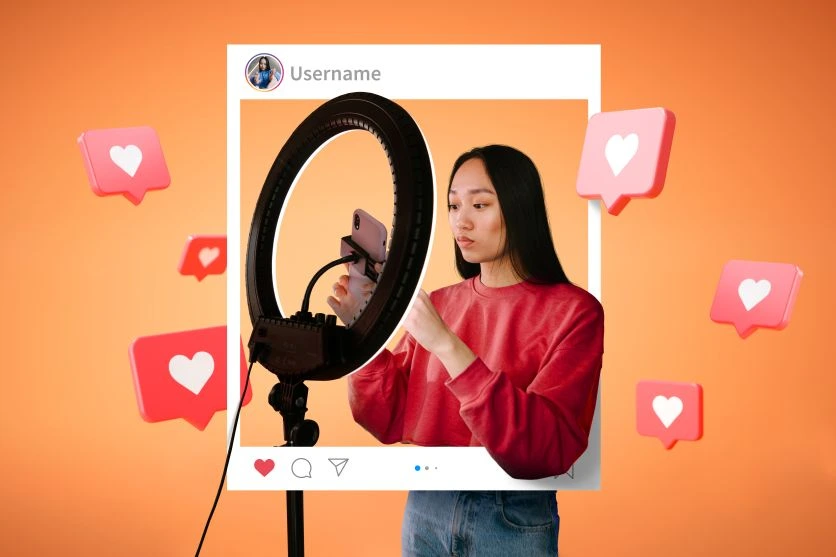
It doesn’t mean I blindly copy them—but it gives me a direction. Suddenly, I’m not stuck anymore.
Designing Posts Without Fancy Skills
I’m not a designer. My early posts looked… well, bad. Then I tried Canva with AI templates. I just type what I need—“Instagram carousel about digital marketing tips”—and Canva suggests designs.
It’s not perfect, but it’s 10 times better than spending hours on Photoshop and still ending up frustrated.
Writing Captions Faster with AI Tools
I used to spend way too much time writing captions. Either they sounded boring, or I’d overthink every word. Now I let AI tools draft a basic caption, and I edit it in my own tone.
Like, if I post a coffee picture, I might get 3–4 caption options and then just rewrite one to sound like me. It saves time while still feeling personal.
Scheduling So You’re Not Glued to Instagram
One thing that changed everything for me was scheduling posts. Earlier, I’d randomly post whenever I remembered. Now I spend an hour on Sunday planning and scheduling everything for the week.
No more rushing to post at 9 pm while having dinner. AI tools even tell me the best time to post—something I never figured out on my own.
Reels Without Complicated Editing
I avoided reels for so long because editing felt impossible. Then I found AI video tools like InVideo. You literally select a template, add your text, and boom—you have a decent-looking reel.
It’s not a cinematic masterpiece, but it gets engagement, and that’s what matters.
Learning What Actually Works
Before, I had no idea which posts people liked. Now I use AI analytics tools that show exactly which posts perform best and when my audience is most active.
Instead of posting randomly, I can see patterns—like “oh, reels on Fridays actually do better.”
Final Thoughts
If you’re starting out, Instagram can feel like a huge task. But honestly, AI makes it easier. It won’t do everything for you, but it takes care of the parts that eat up your time—like brainstorming, designing, and planning.
These Instagram marketing tips for beginners using AI aren’t magic tricks. They’re just little shortcuts that let you focus on what really matters: building connections and sharing what you love.
And if you want more guides like this, check out Technical Dude—it’s where I share practical tips that I’ve actually tried myself, not just theory.